





Description
Watch The Product Demo
Read The Online Documentation

The “Emergency Repair Kit” Every WordPress Developer Needs.
Editing code via FTP is too slow for quick tweaks. Editing code via the default WordPress plugin editor is terrifyingly risky.
WP Code Integrator bridges the gap. It is built specifically for developers, freelancers, and agencies who need to make professional-grade code edits directly on the server without the workflow friction.
Why “Code Integrator” is Different
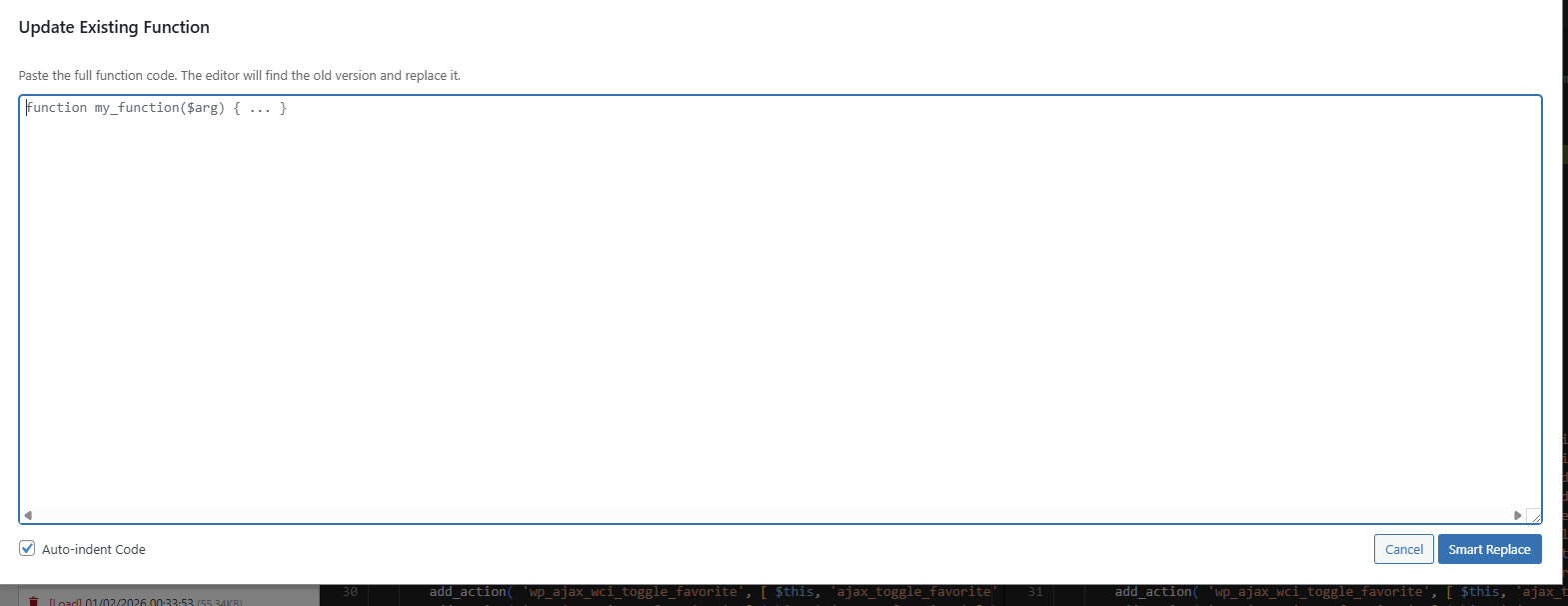
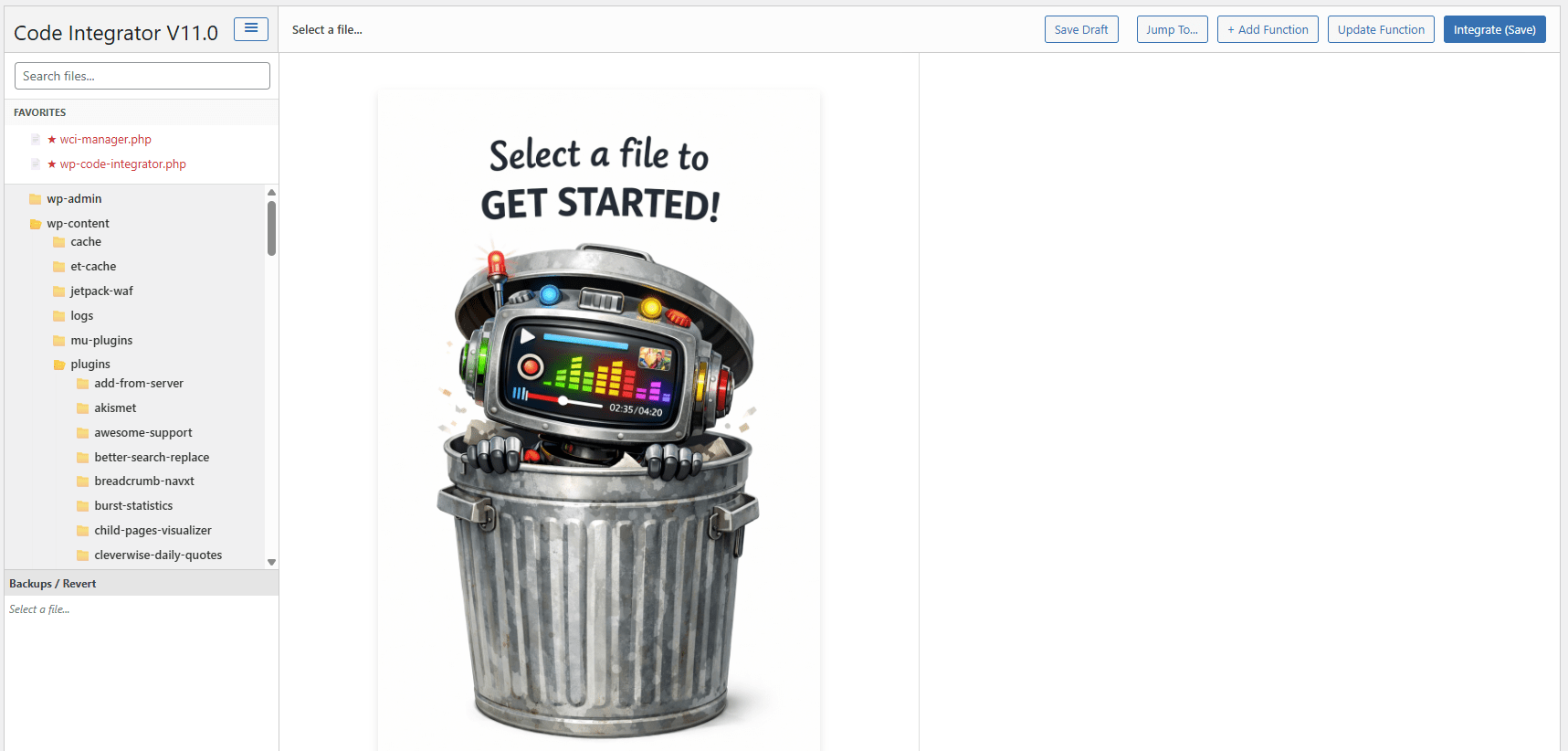
Most file editors are just “dumb” text boxes. If you paste a function in the wrong place, you break the site. Code Integrator is context-aware. It scans your PHP files to understand their structure. When you need to update a specific feature, you don’t hunt for line 4,032. You simply click “Update Function,” paste your new code, and let our engine surgically replace the old version while preserving the rest of the file.🎁 FREE BONUS: WCI Recovery Console Manager
Keep your server clean and your peace of mind intact. When you purchase WP Code Integrator, you also get the WCI Recovery Console Manager plugin absolutely free. While Code Integrator handles the surgical edits on specific files, the Recovery Console is your command center for bulk management. Centralized Backup Control: View every backup created by Code Integrator in one list. Bulk Cleanup: Finished a project? Delete old draft files and version history in bulk to free up server space. Audit Trail: Quickly see which files have been modified and when, across your entire installation.Key Features
- VS Code Experience: Built on the Monaco Editor, giving you familiar syntax highlighting, minimaps, and keyboard shortcuts right in the browser.
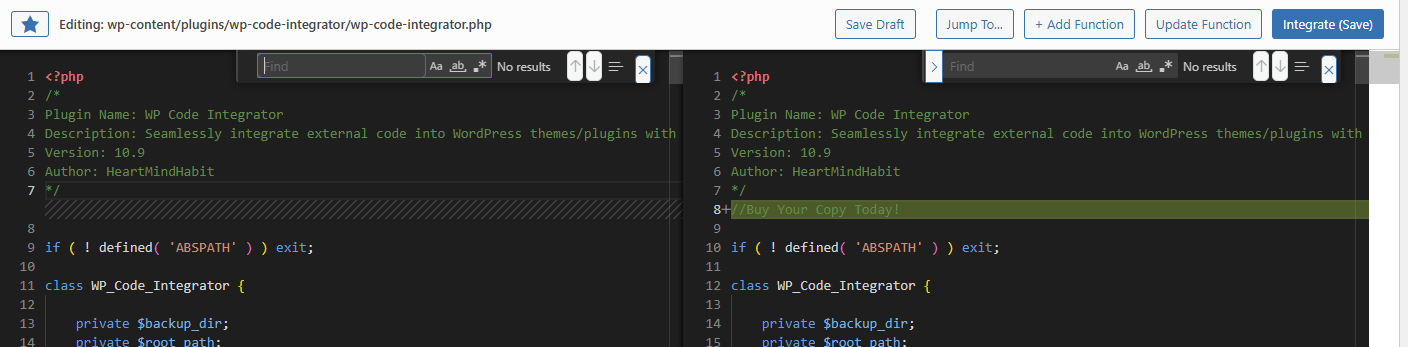
- Visual Diff Comparison: Never overwrite a file blindly again. See a side-by-side comparison of your changes versus the live file before you hit “Save.”
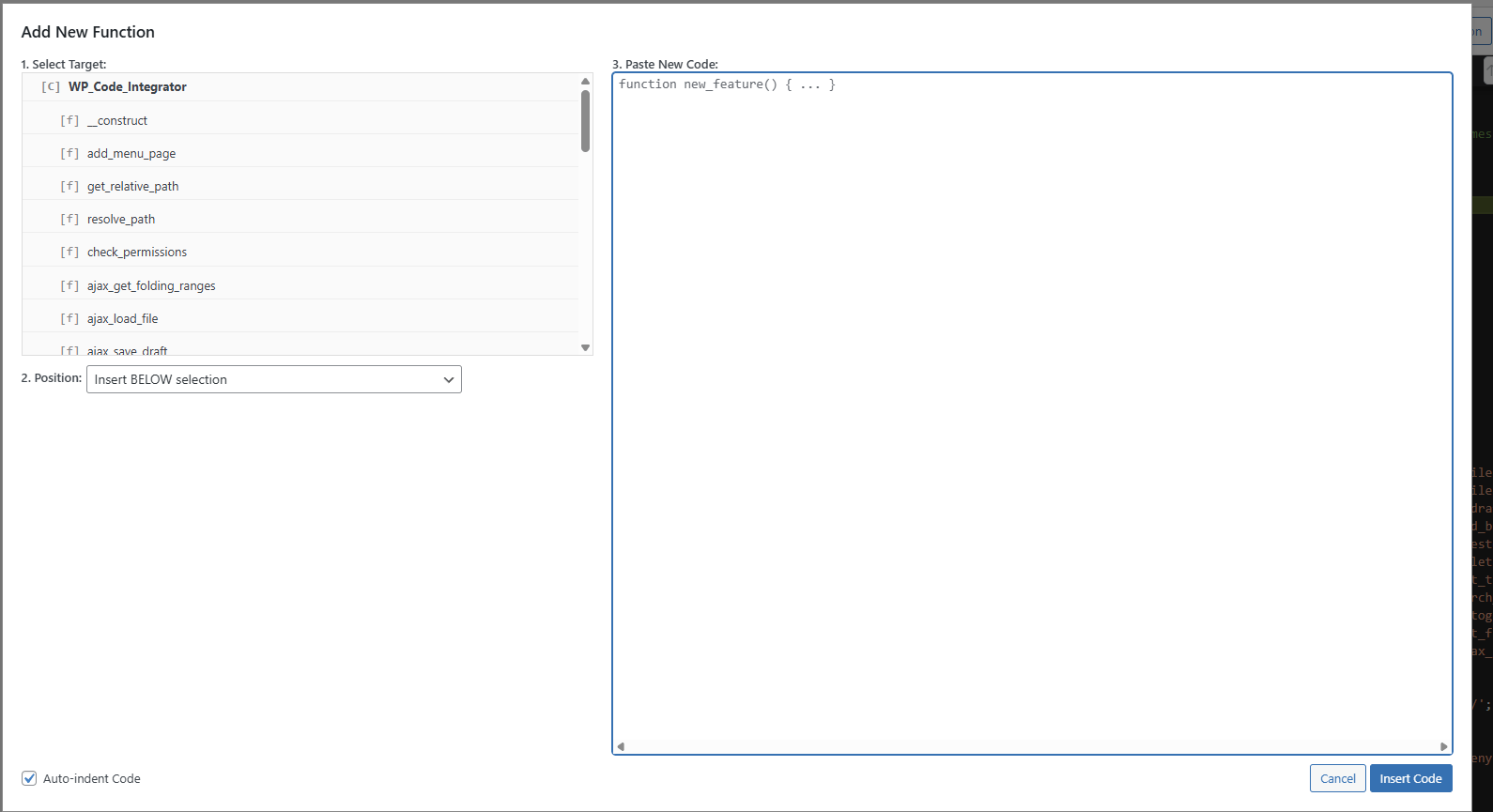
- Surgical Function Updates: Our parser detects existing classes and functions. You can insert code “Below Function X” or “Update Function Y” with zero manual scrolling.
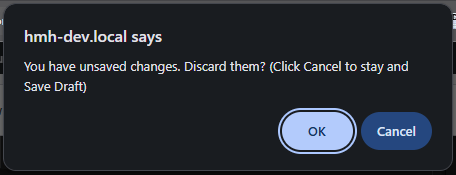
- Drafts & Versioning: Working on a complex fix? Save a “Draft” of the live file without executing it. If something goes wrong, roll back to a previous version instantly from the sidebar.
- Smart Indentation: The editor automatically detects the indentation style of the target file (tabs vs. spaces) and formats your pasted code to match.
- Zero Database Lock-In: Unlike snippet plugins that hide your code in the database, Code Integrator edits the actual physical files. If you uninstall the plugin, your customizations remain 100% active and accessible.
Who is this for?
Freelancers
Fix client issues in seconds without asking for FTP credentials or cPanel access.
Agencies
Deploy a standard “Repair Kit” across all maintenance sites to give your team a safe way to troubleshoot live environments.
Plugin Developers
Rapidly prototype and test code snippets in a live environment with full error safety nets.
Technical Requirements
- WordPress 6.0 or higher
- PHP 7.4 or higher
- Administrator Access required for use


Reviews
There are no reviews yet.